Review these answers before selecting a guide or beginning a product setup.
How do I know which video is right for my product?
Start with the product category shown on your order or product page. Head units and stereos belong in Audio and Display, dash cameras and backup cameras belong in Cameras and Safety, and chargers, inverters, adapters, and hubs belong in Power and Connection.
Are the videos specific to every vehicle?
No. The lessons demonstrate general installation concepts. Dashboard design, factory wiring, airbags, vehicle interfaces, camera integration, and trim removal methods vary by vehicle. Always confirm vehicle-specific information before beginning.
Should I watch the entire video before installation?
Yes. Watching the complete guide first helps you understand the sequence, identify required components, anticipate access points, and recognize stages where professional assistance may be appropriate.
What should I do if my connectors do not match?
Stop the installation and confirm the product model, vehicle compatibility, and required adapter. Do not force connectors or modify factory wiring without verified instructions and appropriate experience.
Can I install a dash camera near an airbag?
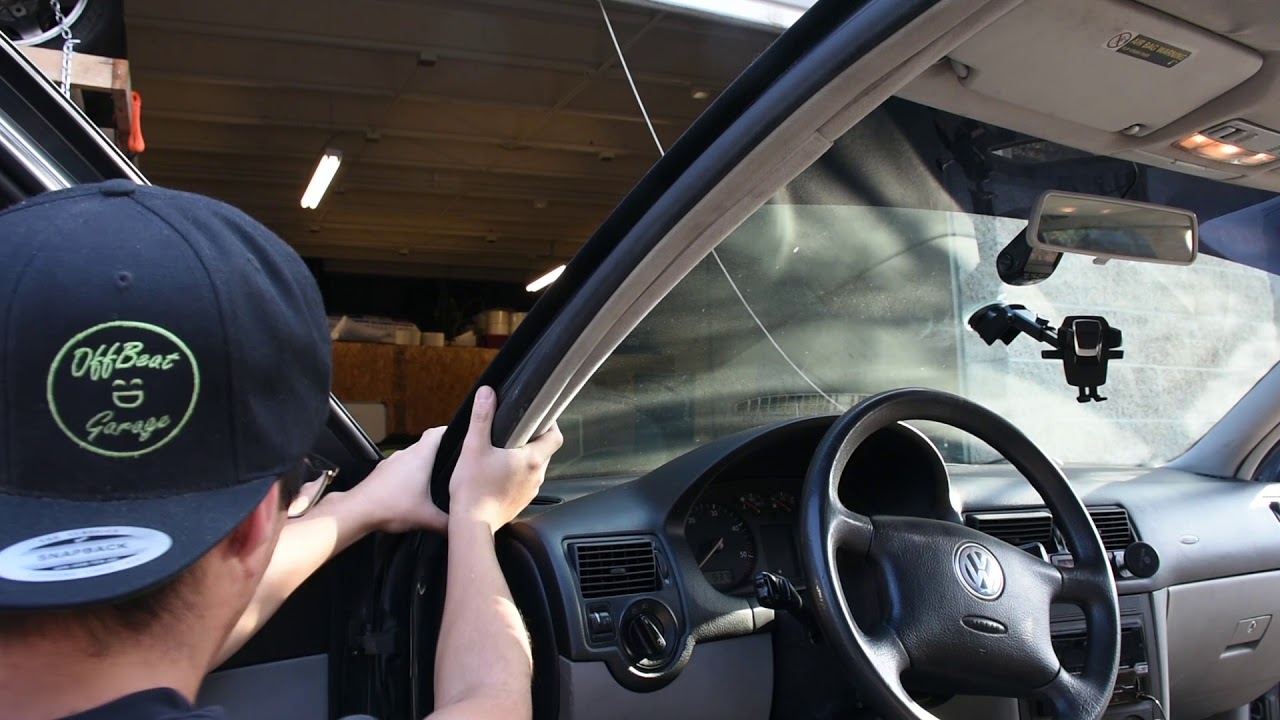
Camera cables and accessories must not interfere with airbag deployment paths. Airbag locations vary by vehicle, so consult the vehicle documentation or use a qualified installer when routing near pillars, headliners, seats, or dashboard safety systems.
When should I use a professional installer?
Professional installation is recommended when the project involves unfamiliar vehicle wiring, factory amplifiers, data interfaces, airbags, high-current equipment, difficult trim removal, exterior drilling, or any step you cannot complete confidently and safely.
What information should I prepare for support?
Prepare your order number, product name, vehicle year, make and model, a description of the issue, and clear photos of the product, connectors, dashboard area, or displayed message.

 Audio Series